FOR NIGHT VISION SYSTEMS

NIGHT VISION OPTICS & COMPONENTS

Explore objective lenses, eyepieces, and accessories for night vision devices. Contact us to discuss compatibility and configuration requirements.

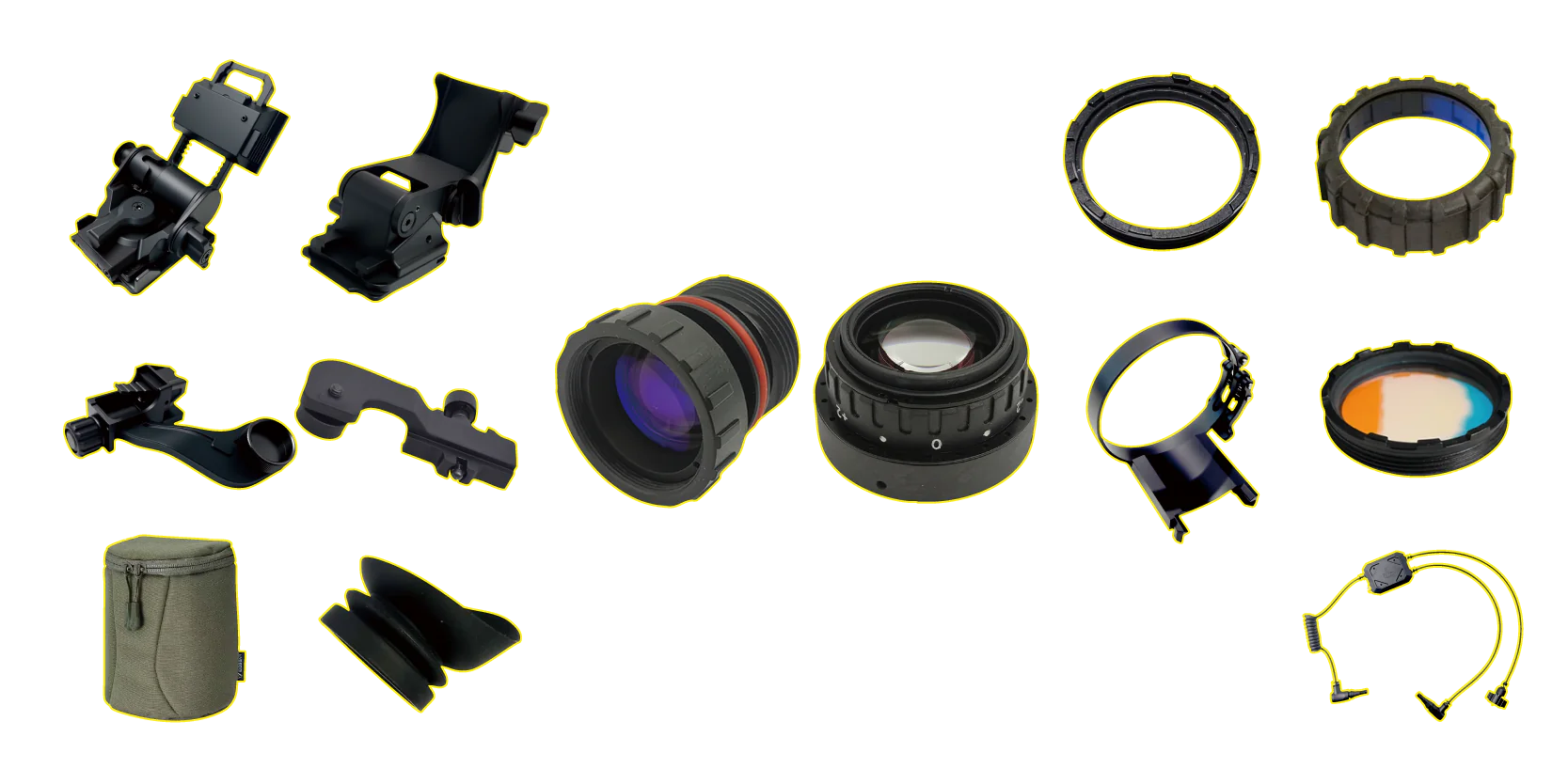
Night vision optics and accessories, including lenses, mounting components, eyecups, cables, and a carrying pouch
OBJECTIVE LENSES EYEPIECES ACCESSORIES

Night Vision Optics

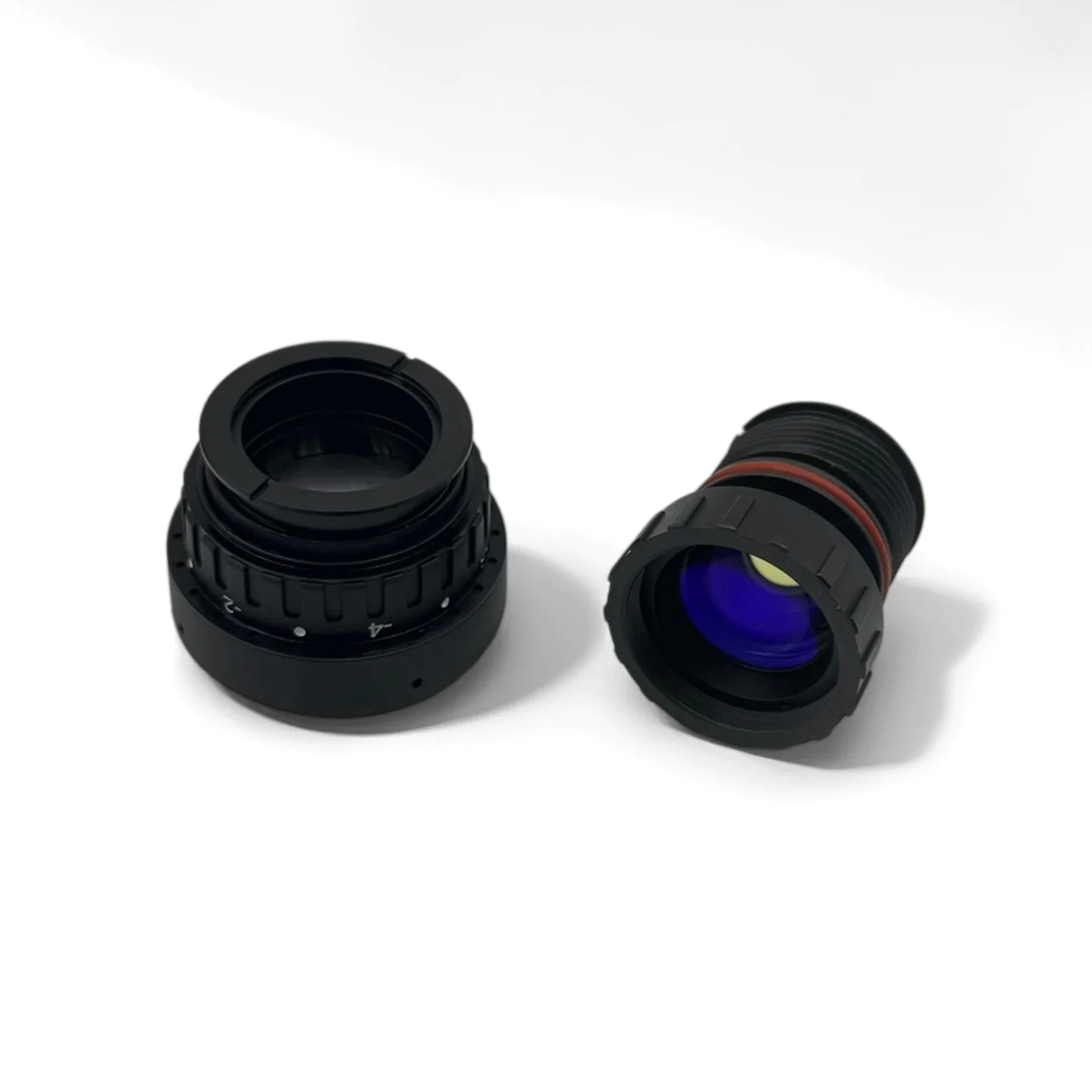
PVS-14 objective lens and eyepiece

PVS 14-LENS

More Information

Lighter Objective

EFL 27 mm ± 0.5 mm
F-number ≤ 1.23
Field of view ≥ 40° (for 17.5 mm image format)
Lens material Glass (including aspherical glass)
Distortion ≤ −4.7% (at semi-field angle of 20°)
Immersion 20 m (for not less than 2 hours)
Weight ≤ 41.5 g

Eyepiece

EFL 27 mm ± 0.5 mm
Exit pupil diameter ≥ 14 mm on axis
Exit pupil distance 25 mm
Field of view ≥ 40° (for 17.5 mm image format)
Lens material Glass (including aspherical glass)
Distortion ≤ −5.5% (at semi-field angle of 20°)
Immersion 20 m (for not less than 2 hours)
Weight ≤ 57 g

Night Vision Accessories

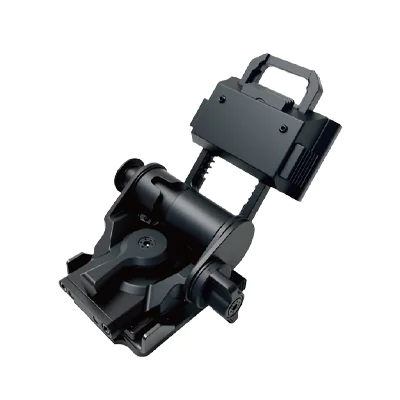
Helmet connector
Helmet connector
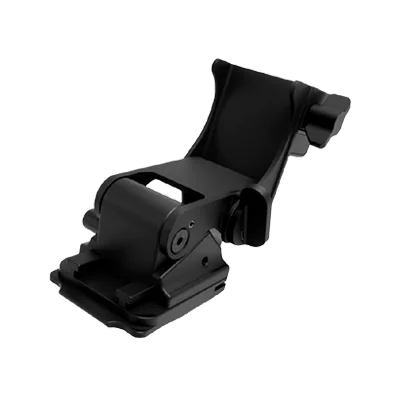
Helmet connector
Helmet connector
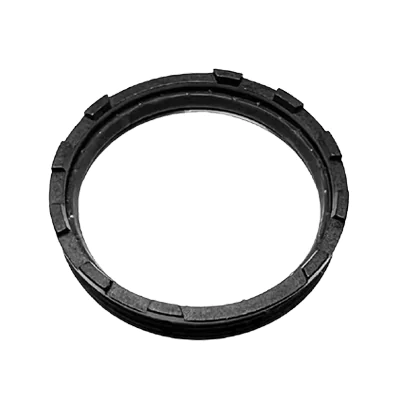
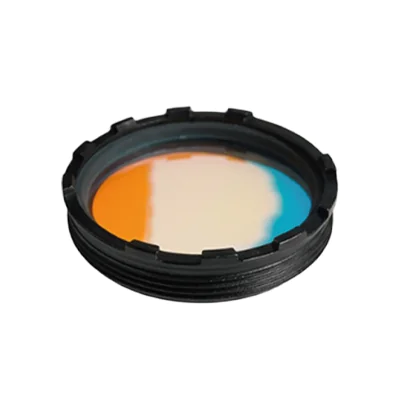
Sacrifice Window
Sacrifice Window
Sacrifice Window
Sacrifice Window
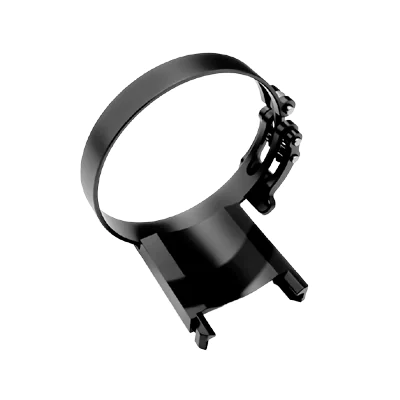
BNVD1531 Mounting Bracket for JerryC Coti
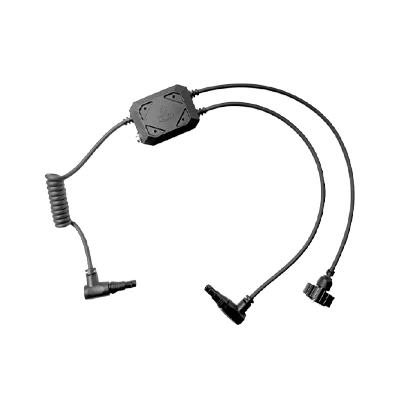
GPS 1 TO 2 Splitter Cable
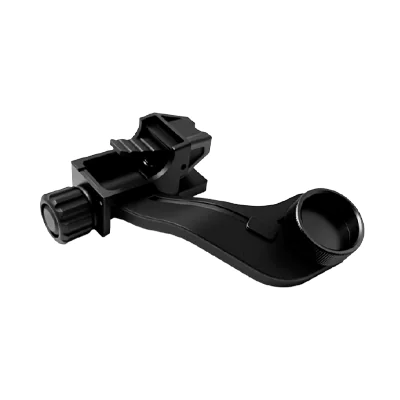
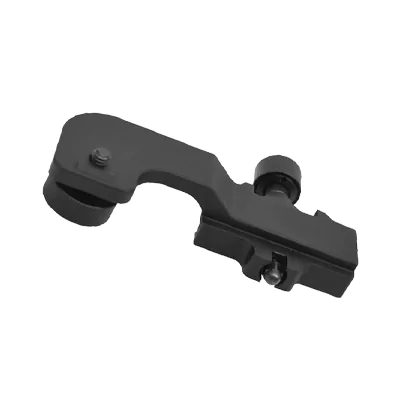
J arm
J arm
Weaver weapon mount
Weaver weapon mount
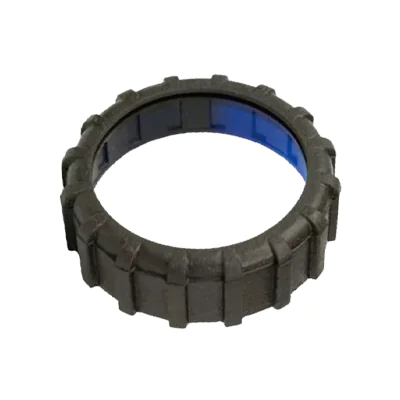
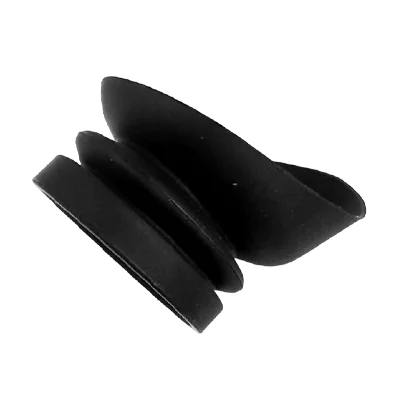
Eyecup
Eyecup
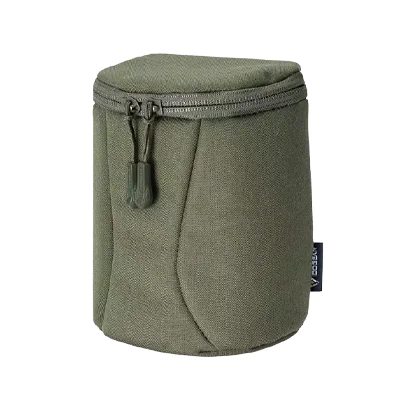
Soft carry pouch
Soft carry pouch
Laser Shield
Laser Shield

SELECTION · CARE · REORDERING · RESALE

Night Vision Accessories Buying Guide

Plan accessory purchases around your device configuration, maintenance needs, and customer demand. Use this checklist to prepare your first order and keep repeat purchases consistent.

Swipe horizontally to view the full table.

PURCHASING STAGEWHAT TO CHECKRECOMMENDED ACTION
01 / SELECTIONChoose the Right Fit
  • Confirm the device model, housing version, and mounting or connection interface.
  • For lenses and optical accessories, confirm the required optical specifications, dimensions, and attachment method.
  • For cables, confirm connector type, pin assignment, and electrical requirements with the supplier.
  • Send the device model, interface photos, and any available part numbers or drawings.
  • Request written compatibility confirmation for the exact configuration.
  • Evaluate a sample for fit and function before placing a bulk order.
02 / CAREPlan Routine Care
  • Check the product-specific cleaning and storage instructions.
  • Confirm which cleaning materials are approved for lenses, coatings, and seals.
  • Include mounts, cable connectors, eyecups, and protective accessories in routine condition checks.
  • Follow the supplied care instructions and keep optical surfaces protected during storage.
  • Check for damage or loose connections before use; refer questionable parts to the supplier.
  • Keep a maintenance record and identify replacement parts by their exact specification.
03 / REORDERINGKeep Repeat Orders Consistent
  • Match the original SKU, revision, dimensions, interface, and approved sample.
  • Review stock on hand, recent usage or sales, and outstanding orders.
  • Reconfirm current availability, minimum order quantity, lead time, and any specification changes.
  • Include the previous order number and approved specifications in each reorder.
  • Set reorder points using expected demand during lead time plus an appropriate safety stock.
  • Require approval before accepting substitutions or revised components.
04 / RESALEBuild a Clear Accessory Range
  • Identify the device models your customers use and the accessories they request.
  • Confirm the contents of each package, compatibility information, and available instructions.
  • Review landed cost, selling margin, and the supplier's warranty and return terms.
  • Create listings with accurate photos, part numbers, and verified compatibility details.
  • Offer bundles only after confirming that the included components work together.
  • Track sales and return reasons by SKU to guide the next purchase.

Preparing an inquiry? Include your device model, accessory name, interface photos, and required quantity so we can review your requirements.

Discuss Your Requirements

NIGHT VISION OPTICS & ACCESSORIES

Accessory Installation & Setup

Installation Steps

  1. 01 Confirm Compatibility

    Identify your device model and accessory version. Confirm the interface and review the product-specific installation instructions before fitting.

  2. 02 Fit the Accessory

    Follow the specified fitting sequence for your component. Use the approved attachment method and any tools or settings required by its instructions.

  3. 03 Check the Setup

    Complete the fit and function checks specified for your accessory. If the fit is uncertain, contact us with photos before proceeding.

Watch on YouTube

Accessory Selection Notes

  • Mounts & Adapters

    Choose mounting components by their verified device and interface compatibility. Similar appearance alone does not confirm a matching fit.

  • Optics & Protective Parts

    Confirm the lens or protective accessory model, dimensions, and attachment method. Follow the instructions supplied for the specific component.

  • Cables & Connections

    Confirm connector type, pin assignment, and electrical requirements before connecting a cable. Share the device details when requesting a matching part.

General fitting checklist. Installation methods vary by accessory and device; follow the instructions for your exact configuration.

let’s fight together

drop us a line